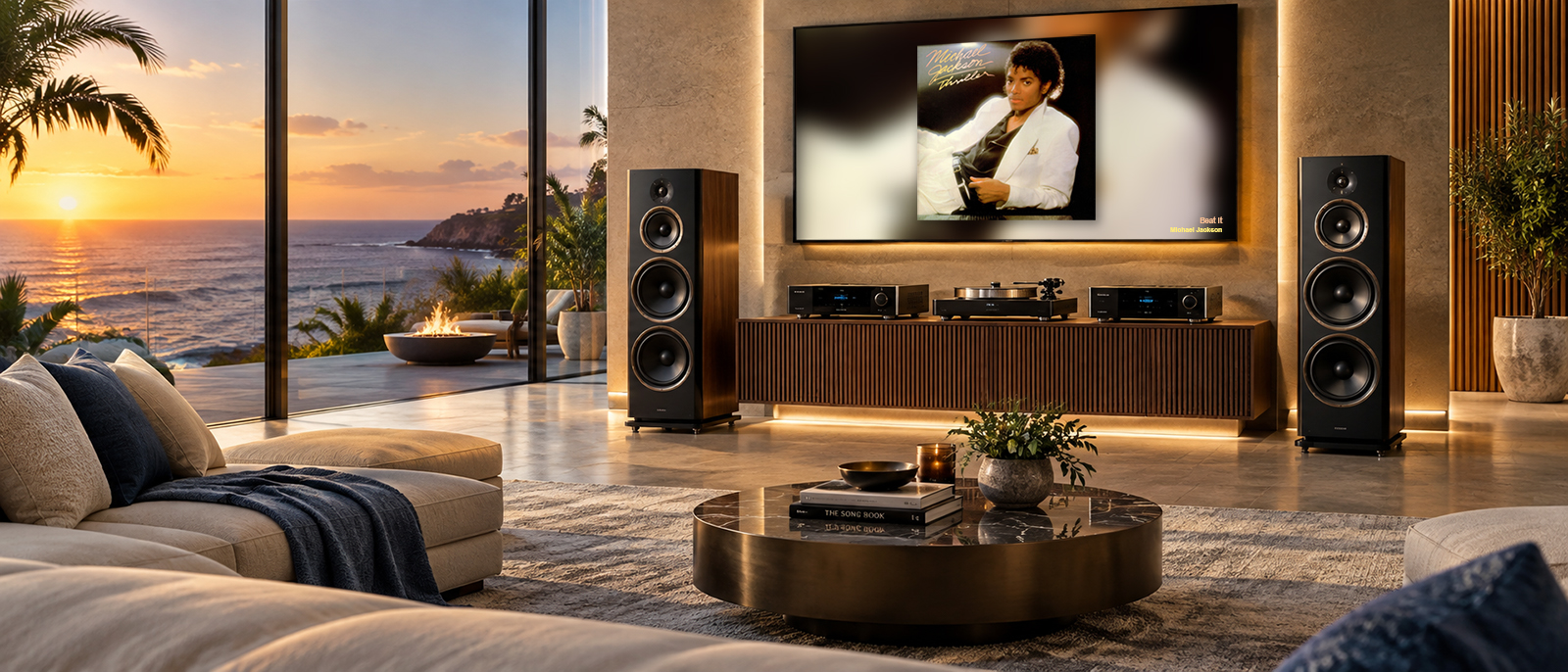
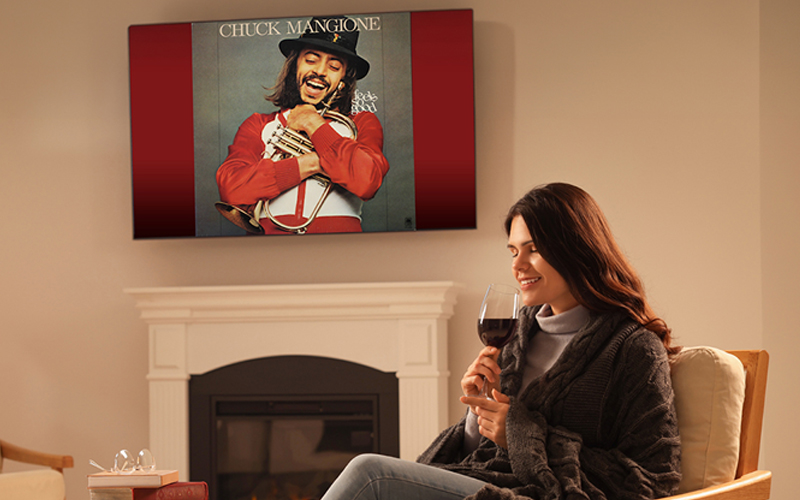
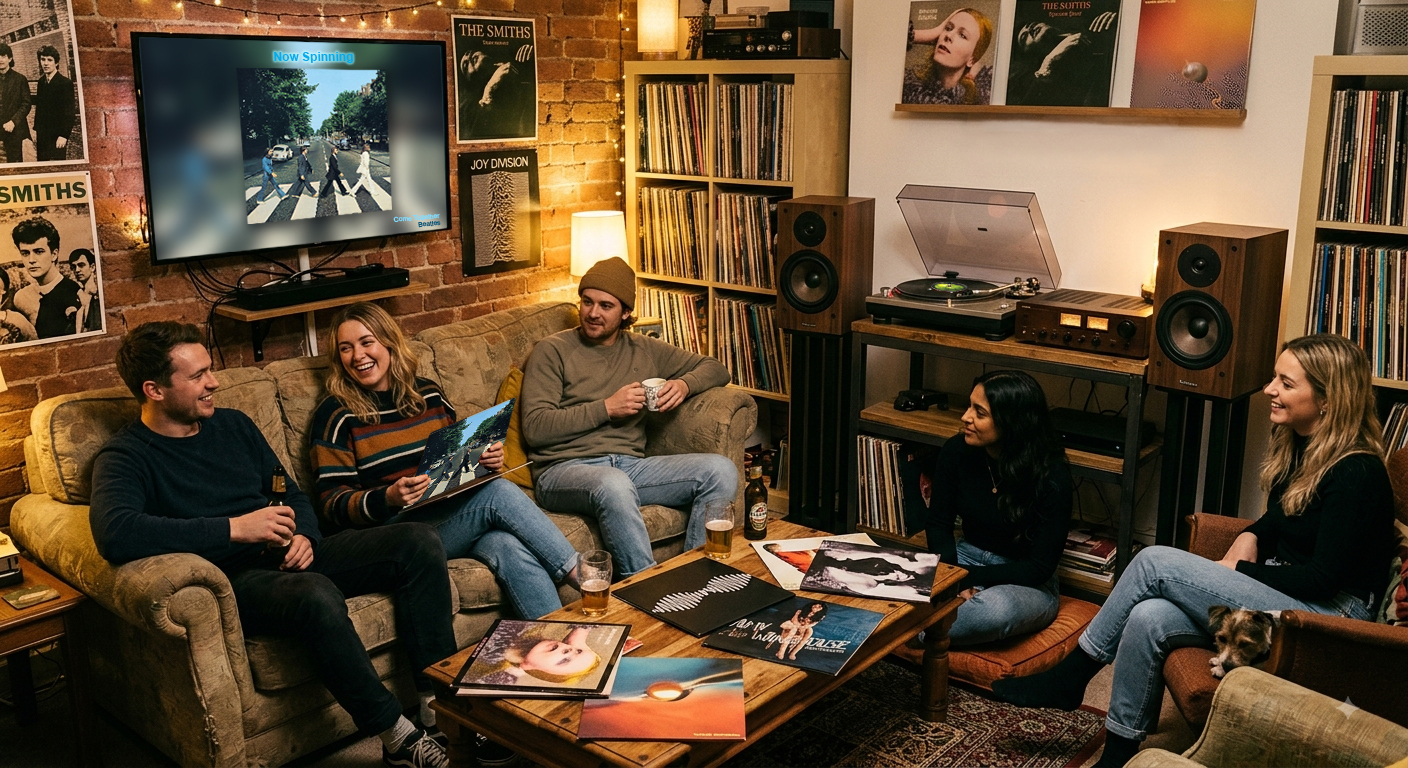
Album art, track info, and your own visuals displayed on any screen, driven by whatever music source you use. Get started for free, or unlock premium features and full customization from just $39 a year. No hidden traps. Just your music, on display.
SpinJacket runs quietly in the background and turns any connected monitor into an album art display.
Plug in a second monitor, a TV behind the DJ booth, or any HDMI screen. SpinJacket runs fullscreen on whichever display you pick, so your laptop screen stays free for work.
Use your microphone or line-in for any audio source, connect your Spotify account for instant recognition, or link Last.fm to work with Roon, Audirvana, foobar2000, and more.
SpinJacket identifies what's playing and pulls the original album art, not a compilation cover. Customize the display, add your own slides, and control everything from your phone.
Multiple ways to connect, covering every setup from a home hi-fi to a restaurant sound system to a DJ booth.
SpinJacket listens to the room and identifies whatever is playing using Shazam, AudD, or ACRCloud. Works with vinyl, CD, Bluetooth, DJ mixers, and any other audio source.
Link your Spotify account for real-time now-playing data, no microphone needed. Works with any device on your account: phone, tablet, smart speaker, or car.
You don't do basic audio, and neither do we. SpinJacket syncs smoothly through Last.fm to pull artwork from high-res players like Roon, Audirvana, and classic setups. Just hit play on your system, and watch your wall transform instantly.
If you prefer ListenBrainz over mainstream trackers, SpinJacket plugs right into your world. Any independent or self-hosted player feeding your account gets picked up instantly. You keep your data private; we keep your screen looking incredible.
Turn your Sonos speakers into a full-room visual experience. SpinJacket hooks directly into your network, no mics required, to instantly match the album art to the audio. Whether you're running a multi-room soundtrack at home or setting the mood across an entire venue, it just works.
Stop worrying about the visuals and focus on the mix. SpinJacket reads your live Serato session directly, throwing up the real cover art on the big screen the exact second you drop the track. It's the ultimate zero-effort visual upgrade for clubs, weddings, and massive events.
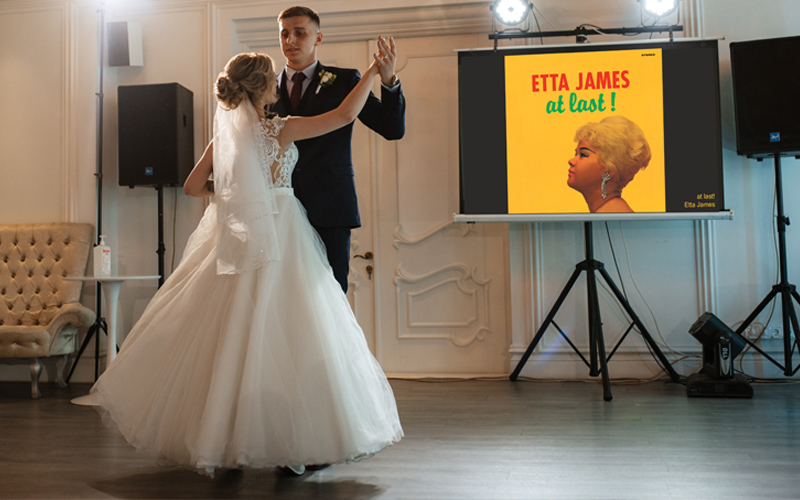
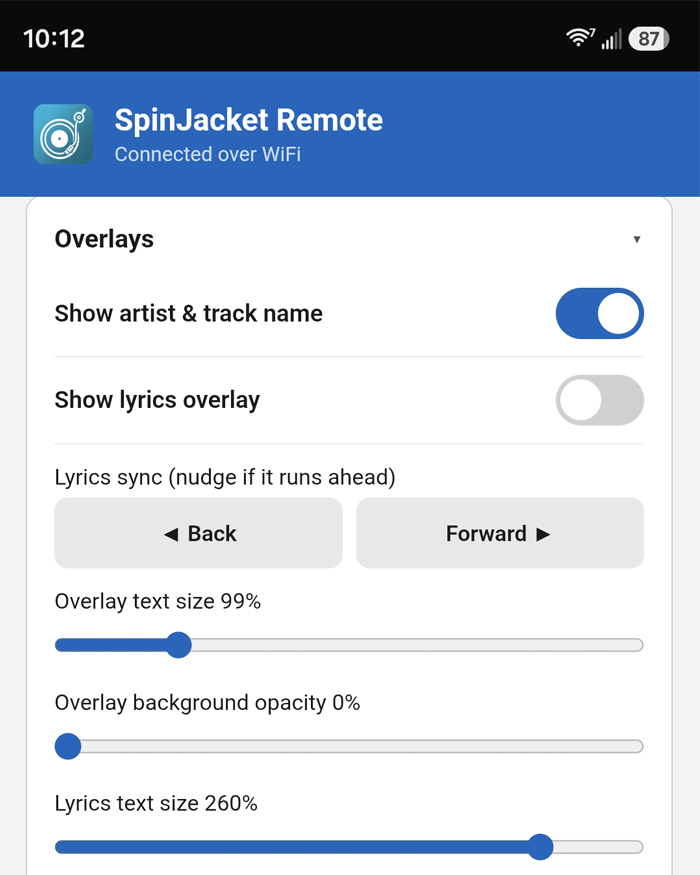
Album or artist art fills the screen with optional track name, artist, clock, and lyrics overlays. Crossfade transitions between songs. Dominant color theming tints the UI to match the artwork automatically.

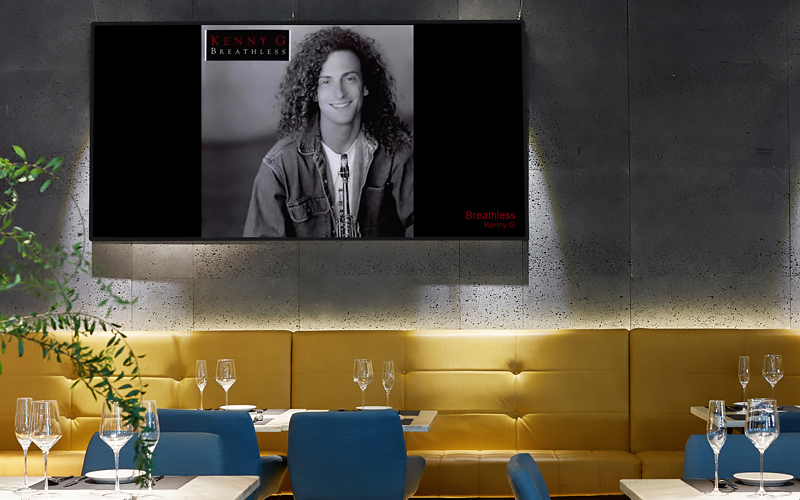
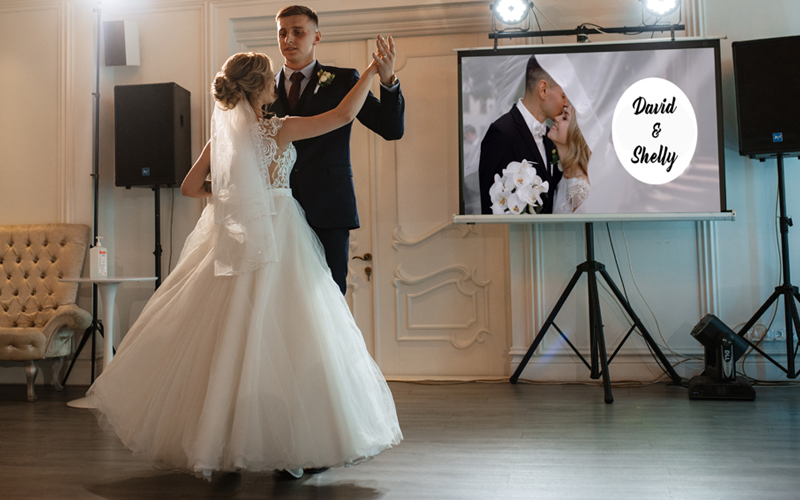
Cycles between album art and your own promotional images: venue events, specials, brand photography. Perfect for restaurants and bars who want music identity on screen without giving up their marketing space.
Your images rotate continuously regardless of what's playing. Recognition keeps running in the background, so the moment a song is identified it can switch to album art. Ideal for ambient gallery or art spaces.
However you play music, SpinJacket turns the screen in the room into part of the experience. Pick your world.
Streaming stripped away the artwork, making music invisible. SpinJacket puts it front and center, turning your wall into a dynamic digital sleeve. See full-screen cover art for whatever's playing, from Spotify to vinyl, and everything in between.
When customers look up to see what song is playing, make sure they see your promotions, too. SpinJacket draws every eye in the room exactly where you want them.
Between tracks, SpinJacket seamlessly slides in your specials, tonight's dish, happy hour deals, or a featured cocktail, then drops right back to the album art. It's high-end ambience and marketing, sharing the exact same screen.
SpinJacket syncs with Serato or your vinyl setup to throw full-screen album art up in real time. But it's not just a visual set for clubs, it's the ultimate canvas for special events.
The crowd looks to see what's playing; they stay to see the celebration. Seamlessly rotate photos of the wedding couple, guest of honor, or corporate branding right between tracks. Give your clients a fully customized, high-contrast visual experience they won't forget.
One Plus or Pro license covers two installs. Run SpinJacket on two screens, or keep a backup machine ready, at no extra cost.
Control SpinJacket from your phone browser over WiFi. No app to install, just scan a QR code.
Apple Music catalog lookup ensures you get the original release artwork, not a compilation cover.
Show the artist's photo instead of album art, or rotate between both on a timer.
Scrolling lyrics synced to song duration via the Genius API. Works in any display mode.
Overlays automatically tint to the dominant palette of the current album art.
One toggle in Settings starts SpinJacket automatically when Windows powers on. Essential for venues.
A new PIN generates each session. Only devices on your local network can connect.
SpinJacket checks for updates in the background and notifies you when a new version is ready.
Works alongside your music apps
We'd rather set expectations up front than surprise you. Here's what's worth knowing before you start.
SpinJacket works hard to show the correct original cover, filtering out compilations, greatest-hits sets, and re-recordings. In most cases it nails it. For songs that appear on many compilation albums, it may occasionally show a different cover or fall back to a SpinJacket background rather than display the wrong art. Connecting Spotify improves matching further.
Microphone and line-in recognition depend on hearing the music clearly. A noisy room or a very quiet signal can affect accuracy. For the most reliable results in venues, a direct line-in or a connected source (Spotify, Sonos, Serato) beats an open mic.
SpinJacket runs on Windows 10 and 11 today. Mac and other platforms are on the roadmap. It's designed to run full-screen on a dedicated display: a TV, a second monitor, or the screen behind your booth.
The user guide covers it all step by step, from first launch to connecting each source, tuning recognition, and setting up promotions or DJ mode. Worth a read before a big event.
Read the user guideStart free, no account needed. Upgrade to Plus or Pro when you want more. Cancel anytime.
Download SpinJacket for Windows and have it running in under 5 minutes.
Windows 10 / 11 · 64-bit · ~45MB · No subscription